
The everyday form, beautifully done.
Contact forms, bookings, order forms, intake - built in minutes with drag-and-drop or AI. Add logic so the form adapts to each answer, collect files safely, and take payments right inside the form. New: a guided, one-question-at-a-time mode for higher completion.
Try it - build a question in seconds
A live preview. Nothing is saved or sent.
Question 1 of 2.
- Drag-and-drop builder
- Smart logic and calculations
- File uploads with limits
- In-form payments
- Classic or guided layout
- Plan-based submissions, no overage fees
Everything you need, nothing you don't.
The everyday workhorse, beautifully done. Built for the way you actually work, with no setup headaches and no surprises.
Drag-and-drop builder
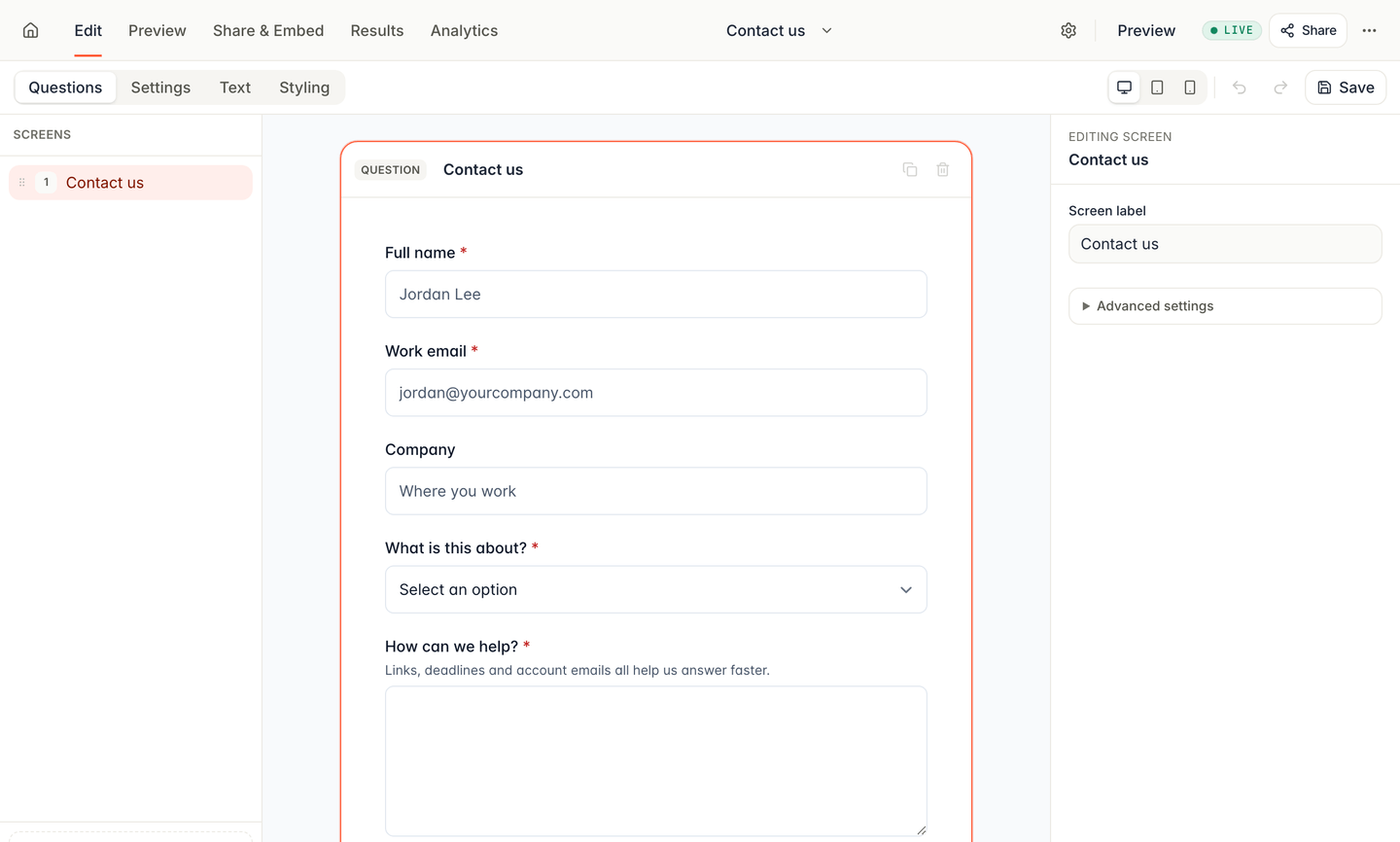
Start from a template or describe what you need and let AI draft it. Arrange fields by dragging, no fiddly setup.
Smart logic and calculations
The form adapts to each answer - show the next question, total a quote, or skip a step that no longer applies.
File uploads with limits
Collect resumes, briefs, and photos with the size and type limits you set, kept private instead of floating around email.
In-form payments
Sell, book, and get paid right inside the form, so an order and its payment arrive together.
Classic or guided layout
Show every field at once, or switch to a friendly one-question-at-a-time flow that lifts completion.
Every reply in one place
Each submission carries a status and can be handed to a named owner, so the right person follows up before the lead goes cold.
How it works
Build it. Share it. Watch it land.
- Step 1
Build it
Start from a template or describe it and let AI draft it. Drag, drop, done.
- Step 2
Share it
Drop a link, show a QR code, or embed the form on your own site.
- Step 3
Watch it land
Replies arrive sorted, with files and history in view, ready to assign and act on.
About Forms.
What is Formspring Forms?
Do I need to be technical to use it?
How do submission limits work?
Can I take payments?
Can I use my own brand and domain?
Your next form is three minutes away.
Pick a template, make it yours, and share it today. Every plan includes its submissions with no per-response overage fees.
No card needed. 50 submissions a month on the free plan.